Best Construction Project Management Software: Top 12 for 2025
In modern construction, your digital toolkit is as critical as a solid foundation. While a hammer and nails build a structure, the best construction project management software builds the efficiency, transparency, and trust that define a successful project. For a firm like South Eastern General Contractors (SEGC), with over 21 years of proven results in communities like Fayetteville and Lumberton, technology isn't just about streamlining tasks. It's about upholding our commitment to client trust and delivering exceptional quality on every job.
As a Native American-owned, 8(a), and HUBZone-certified contractor, we know that precision in project management is non-negotiable. This is true whether we're managing a complex government contract or a dream custom home for a local family. This guide moves beyond generic feature lists, offering actionable insights from a contractor’s perspective on the top platforms available today.
We've compiled our hands-on experience to help you select the ideal software for your specific needs, from large-scale commercial developers to first-time home clients. Each profile includes our take on its real-world application, screenshots, and direct links to get you started. This is your blueprint for choosing a digital jobsite that helps you manage projects with the same level of care and expertise we bring to ours, empowering you to build lasting legacies.
1. Procore Technologies
Procore isn't just software; it's the digital command center for your entire construction project. Imagine having every blueprint, RFI, submittal, and daily log in one cloud-based hub, accessible from the job site trailer or your office desk. This platform truly shines in its ability to connect the field and the office in real time, eliminating the dreaded "he-said, she-said" over project changes. For a company like Southeastern GC, which prides itself on transparent communication and meticulous documentation for federal and commercial projects, a tool like this is invaluable.
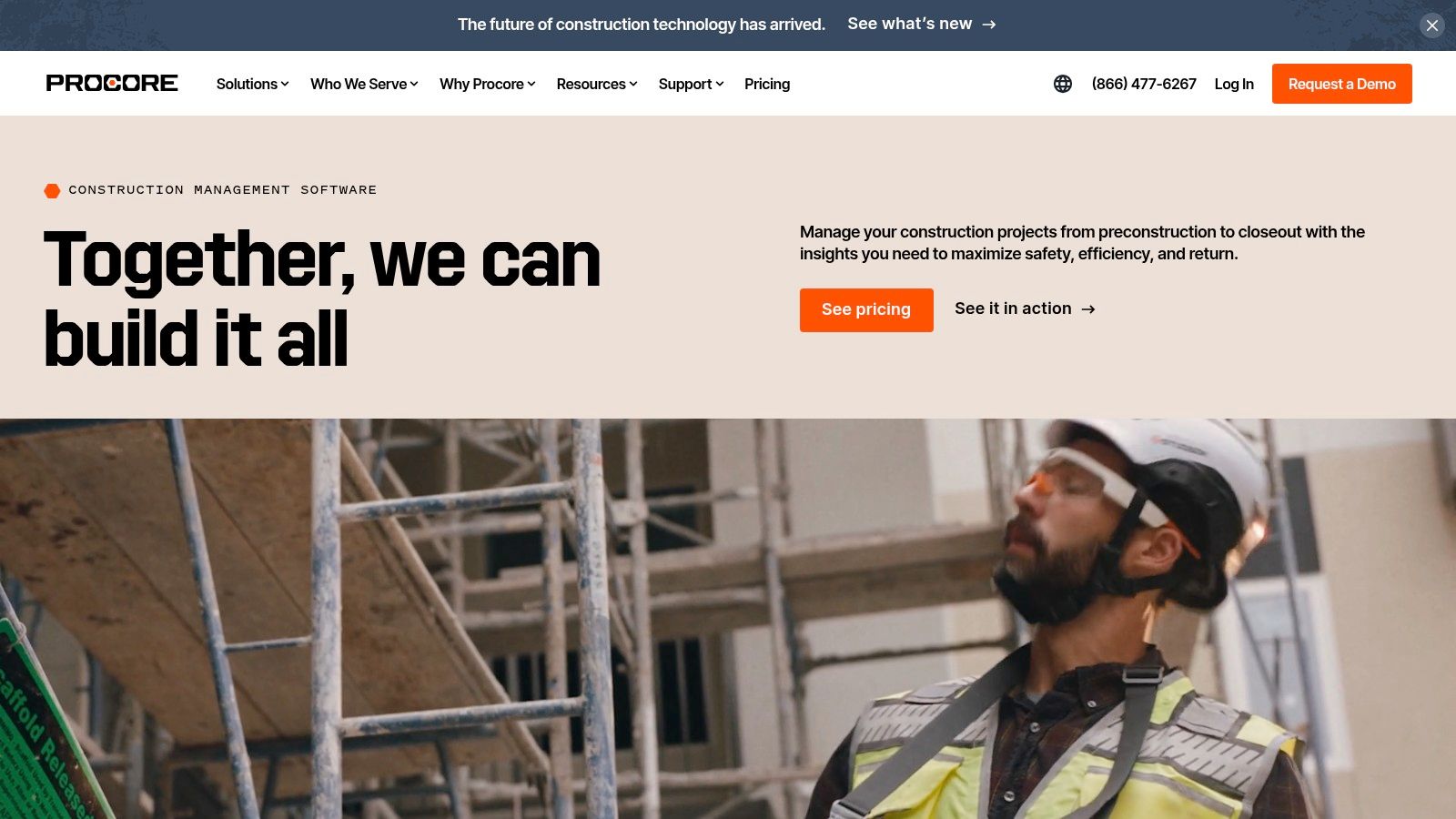
It stands out as one of the best construction project management software options because it’s a true all-in-one solution. From financial management to quality and safety modules, it consolidates tools that often require multiple subscriptions. This unified approach is a core principle in modern building, and you can learn more about the fundamentals of construction management to see how these digital tools support project success.
Key Details & User Experience
- Pricing: Procore doesn’t list prices publicly. You’ll need to contact their sales team for a custom quote based on your company's size and needs.
- Best For: General contractors, subcontractors, and property owners managing large-scale or multiple complex projects.
- Pros: Its user interface is surprisingly intuitive, and their customer support and training resources are top-notch. The mobile app is a game-changer for on-site teams.
- Cons: The custom pricing model can be a barrier, and it may be overkill for smaller residential builders or single-project firms.
2. Buildertrend
If Procore is the command center for large-scale commercial projects, Buildertrend is the dedicated workshop for the residential home builder and remodeler. This platform is meticulously crafted for the nuances of home construction, from managing initial client leads to handing over the keys. It’s a tool that understands the importance of client relationships in the residential space, offering a dedicated portal to keep homeowners in the loop with progress photos and updates, which builds immense trust.
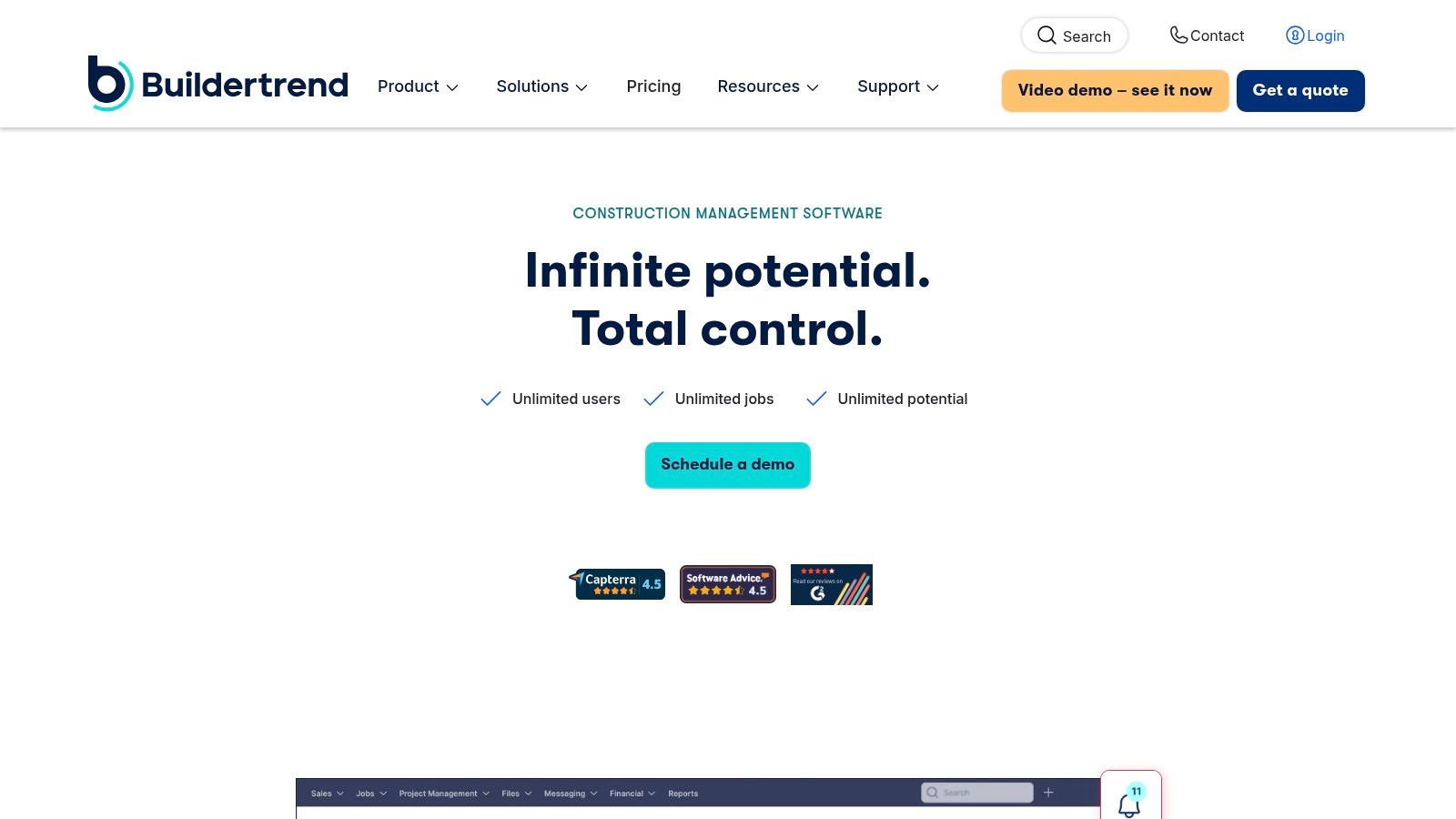
What makes it one of the best construction project management software options is its end-to-end scope for the residential market. It combines pre-sale tools like lead and bid tracking with robust project execution features, creating a seamless workflow from first contact to final payment. This comprehensive approach is something we value at Southeastern GC, knowing that a successful project is built on a foundation of solid processes from start to finish. For more details on this foundational approach, you can explore our residential construction services.
Key Details & User Experience
- Pricing: Buildertrend offers tiered monthly subscriptions, starting with an "Essential" plan and scaling up. You'll need to contact them for exact pricing based on your feature needs.
- Best For: Custom home builders, remodelers, and specialty contractors focused on the residential sector.
- Pros: Its all-in-one feature set is perfectly tailored for residential projects, including a fantastic client portal. The platform also has strong customer support and training.
- Cons: The pricing can be a bit steep for smaller contractors, and its residential focus makes it less suitable for large-scale commercial or federal projects.
3. Autodesk Construction Cloud
Autodesk Construction Cloud is the natural evolution for firms already rooted in Autodesk’s ecosystem. It seamlessly bridges the gap between design and construction by integrating powerful tools like Revit and AutoCAD directly into the project management workflow. This platform excels at creating a single source of truth, connecting teams, workflows, and data from initial design all the way through to project handover. For a company like Southeastern GC, which handles complex federal projects requiring meticulous version control, this level of integration is a significant advantage.

It solidifies its place as one of the best construction project management software options by offering a deeply connected environment. The platform’s strength in document management and BIM collaboration ensures that every team member, from the architect to the subcontractor, is working from the most current information. Mastering these integrated tools is a key part of modern building, and you can explore more strategies on how to manage construction projects to understand how digital coordination drives success.
Key Details & User Experience
- Pricing: Autodesk does not list public prices. You’ll need to contact them directly for a quote tailored to your specific module needs and company size.
- Best For: Large-scale general contractors, design-build firms, and specialty contractors who heavily rely on Autodesk's design and engineering software.
- Pros: Unmatched integration with design tools like Revit, AutoCAD, and Navisworks. Its comprehensive suite covers the full project lifecycle, from preconstruction to operations.
- Cons: The platform can have a steep learning curve due to its extensive features, and the pricing model can be complex.
4. Fieldwire
If Procore is the command center, think of Fieldwire as the hyper-efficient field general. It’s built from the ground up for the teams on the ground, making sure the foreman with a tablet has the exact same, up-to-the-minute plan as the project manager back at the office. Its strength lies in simplicity and speed, cutting through the noise to focus on task management, plan viewing, and real-time issue tracking right from the job site. For a company like Southeastern GC, empowering our field teams with direct, easy-to-use tools is critical for maintaining quality and schedule on complex projects.
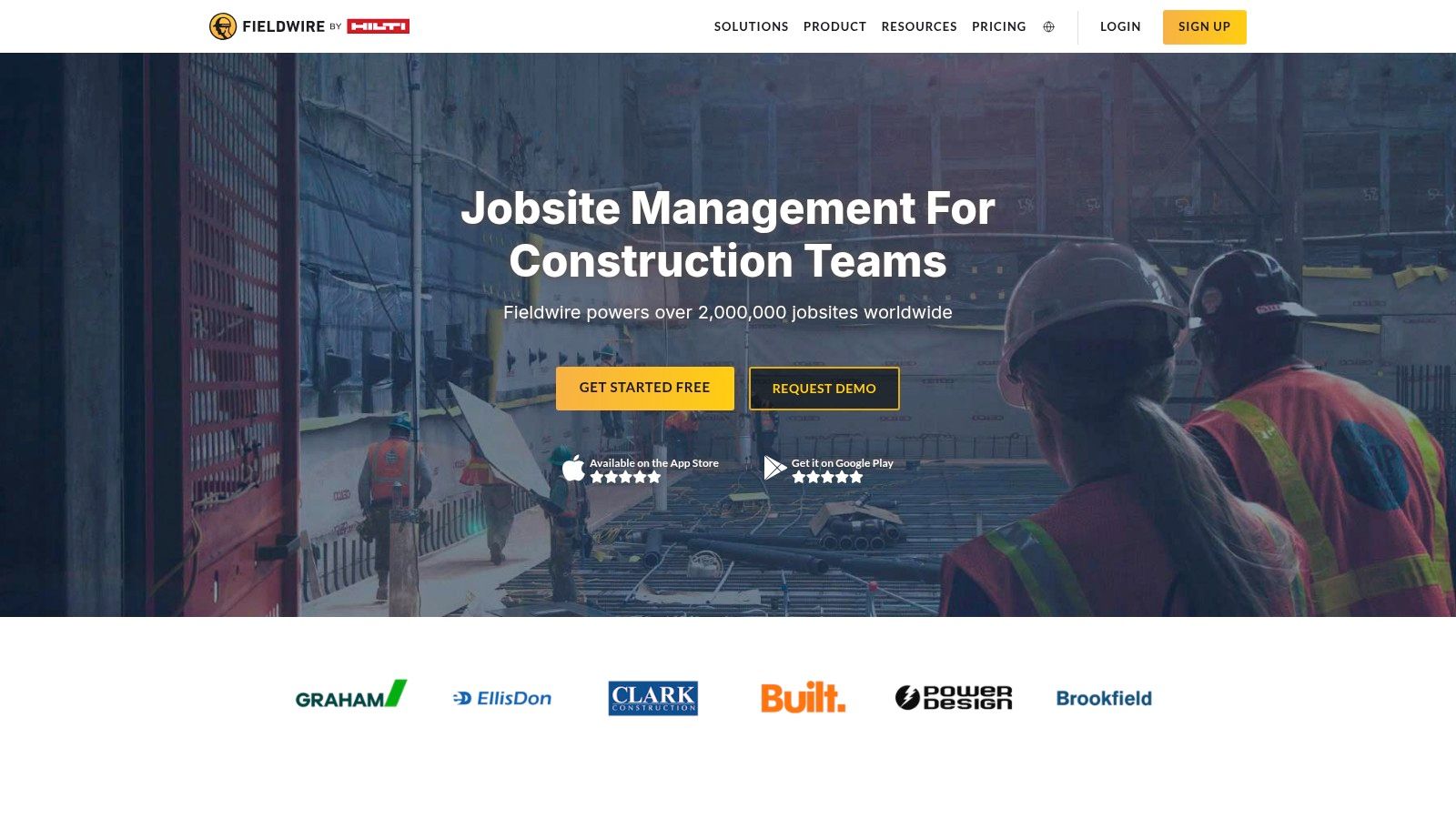
Fieldwire earns its spot as one of the best construction project management software options by being exceptionally good at one thing: field management. It excels at connecting boots on the ground with project plans, enabling instant punch lists, photo documentation, and task assignments. This direct line of communication helps prevent rework and keeps the project moving, a core principle we apply to every build, from Fayetteville to Lumberton.
Key Details & User Experience
- Pricing: Fieldwire offers a free plan for small teams (up to 5 users), with paid tiers starting around $39 per user/month, making it highly accessible.
- Best For: Subcontractors, specialty trades, and general contractors who need a powerful, easy-to-use field management tool without the complexity of an all-in-one ERP.
- Pros: The mobile interface is incredibly intuitive and works offline, a crucial feature for sites with spotty connectivity. It’s affordable and easy to deploy.
- Cons: It lacks the deep financial management, bidding, or resource planning tools found in more comprehensive platforms. It’s a field tool first, not a full business management suite.
5. Contractor Foreman
Contractor Foreman is the Swiss Army knife for small to mid-sized contractors who need robust functionality without an enterprise-level price tag. It packs an astonishing number of features into one platform, from project scheduling and financial management to safety logs and client management. This makes it an ideal starting point for growing firms, like those in the Fayetteville community, that are ready to digitize their operations but need a cost-effective solution. It proves that managing projects with precision doesn't require a massive software budget.
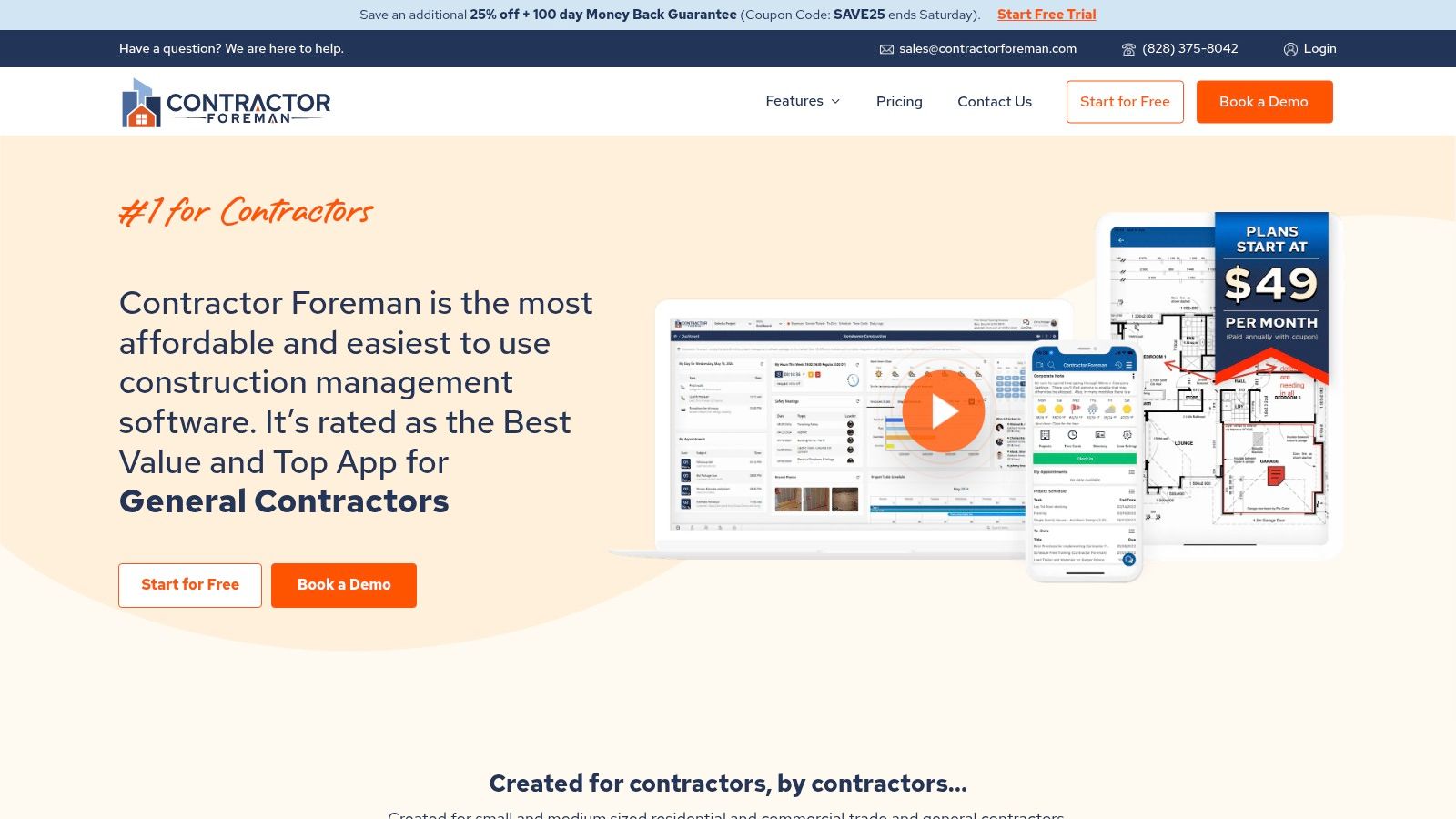
This platform earns its spot as one of the best construction project management software options by democratizing access to powerful tools. For a company like Southeastern GC, which values empowering every team member, a tool that is both comprehensive and approachable is a huge asset. It ensures that whether you're managing a custom home build or a smaller commercial fit-out, your team has the digital support needed to maintain quality and transparency. You can visit the Contractor Foreman website to explore its extensive feature list.
Key Details & User Experience
- Pricing: Transparent, tiered pricing starts around $49/month, making it highly accessible for smaller businesses.
- Best For: Small to mid-sized general contractors and specialty trades who need an all-in-one solution on a budget.
- Pros: Incredible value for the price, offering a broad feature set. The interface is clean and user-friendly, with a minimal learning curve for new teams.
- Cons: Some users have noted occasional software glitches. It may lack the deep customization and advanced integrations found in more expensive, enterprise-focused platforms.
6. Sage 300 Construction and Real Estate (Sage 300 CRE)
For large-scale contractors who see accounting and finance as the central nervous system of their operations, Sage 300 CRE is the undisputed heavyweight champion. This isn't just project management software; it's a comprehensive business management suite that merges powerful financial controls with project, property, and service management. Imagine a system where every purchase order, subcontractor invoice, and change order feeds directly into your general ledger, providing unparalleled financial visibility.
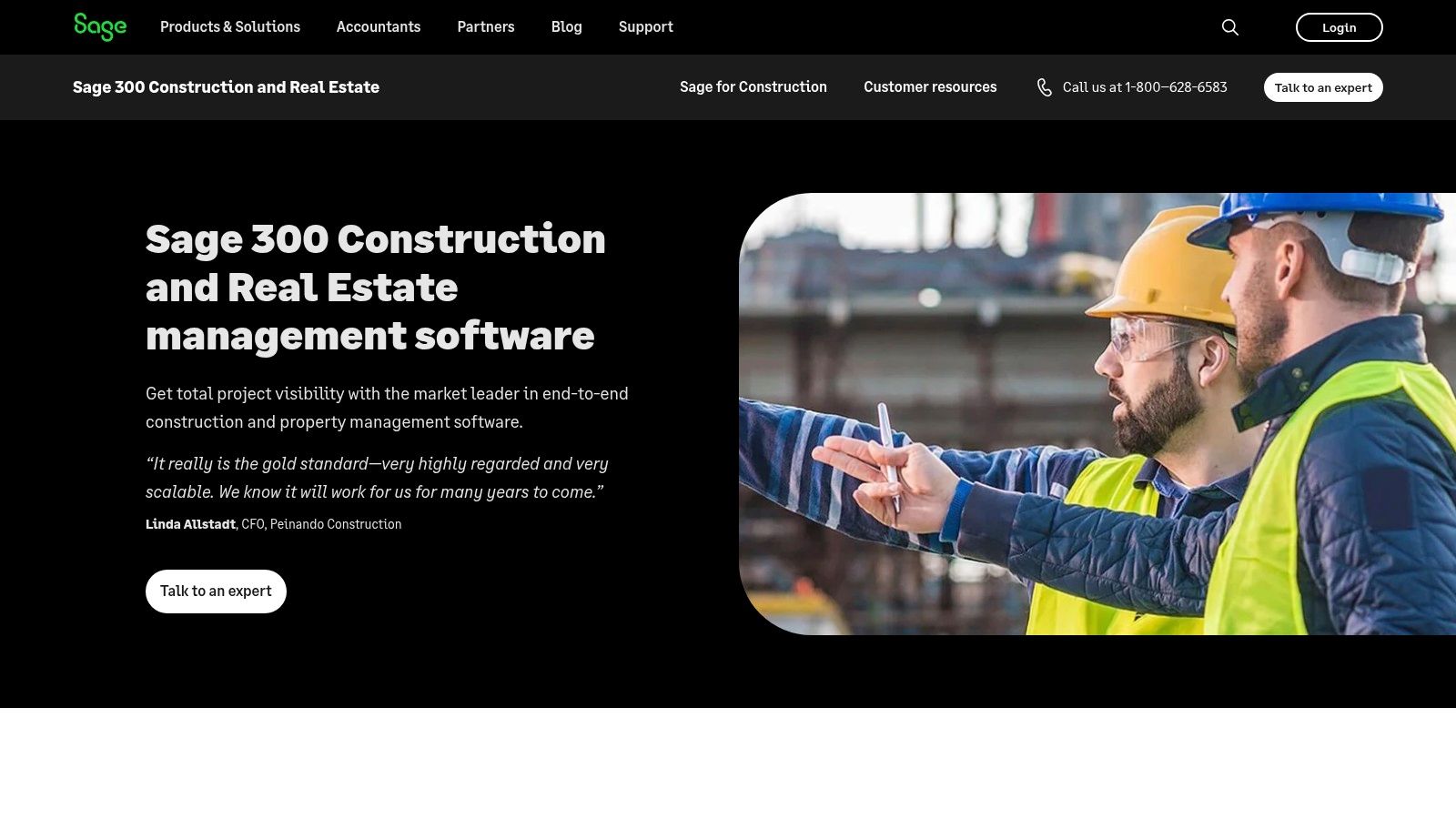
Sage 300 CRE stands out as one of the best construction project management software options for its sheer depth in accounting and job costing. For a company like Southeastern GC, managing complex federal and commercial projects demands rigorous financial tracking, and Sage provides that foundation. This detailed financial insight is crucial, especially when paired with precise estimating, and you can explore more on this with our guide to the best construction estimating software.
Key Details & User Experience
- Pricing: Sage does not list pricing publicly. Quotes are tailored to your specific business needs, modules, and user count.
- Best For: Large construction enterprises, real estate developers, and contractors with complex accounting requirements.
- Pros: Its financial management and job cost accounting capabilities are second to none. The system is highly customizable to match intricate workflows.
- Cons: It's an on-premise solution that requires dedicated server infrastructure. The complexity and cost make it unsuitable for smaller firms.
7. RedTeam Go
RedTeam Go is the lean, mean, fighting machine for small to mid-sized general contractors who need powerful tools without the enterprise-level price tag. It's designed to streamline your entire project lifecycle, from bidding to closeout, in one straightforward web-based platform. Think of it as putting a project manager, accountant, and document controller in your pocket, accessible anywhere you have a signal. For a growing firm, this kind of accessibility and efficiency is crucial for managing projects and maintaining the high level of organization we champion at Southeastern GC.
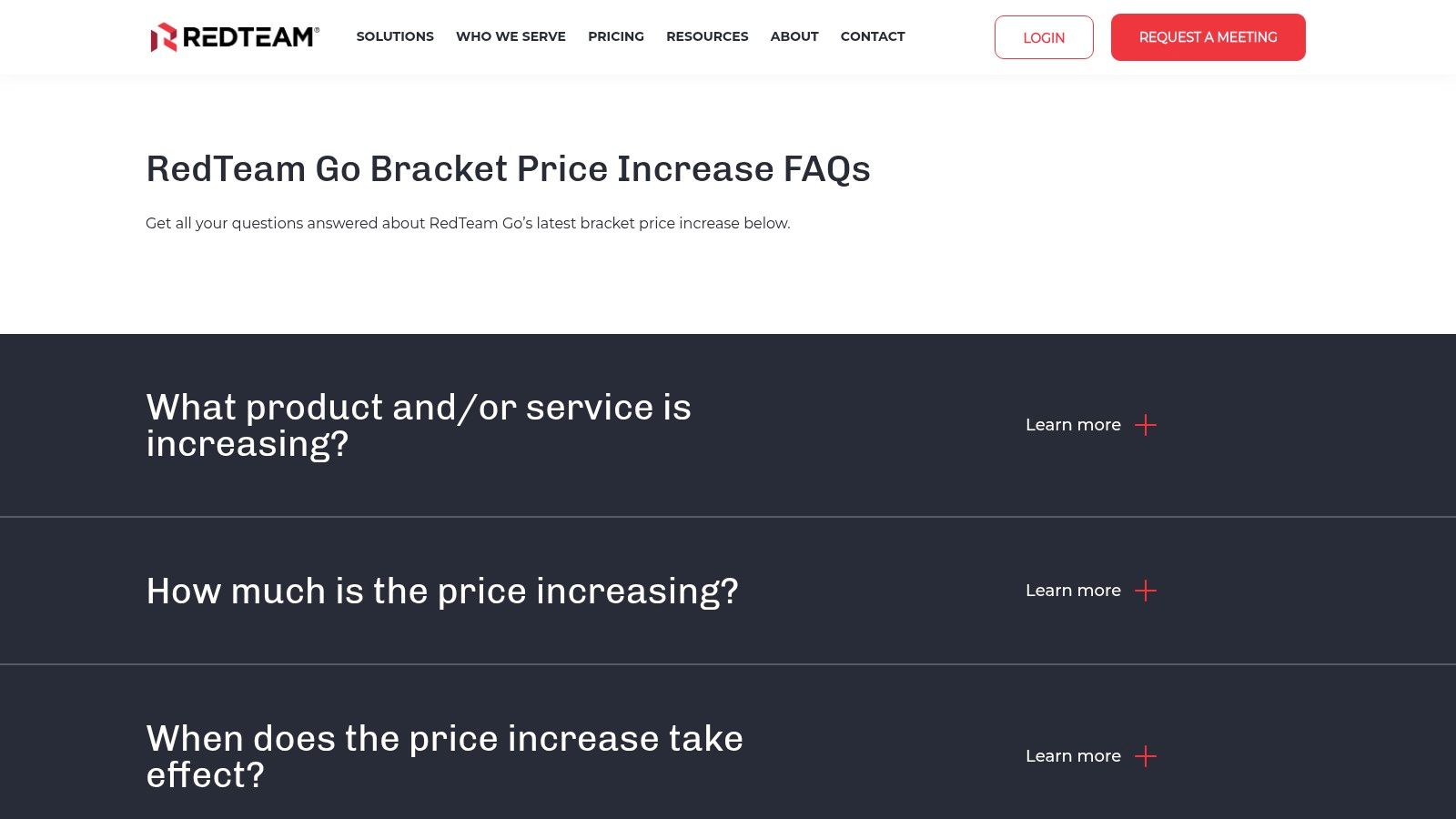
It earns its spot as one of the best construction project management software options by focusing on core functionalities and delivering them exceptionally well. It offers robust tools for scheduling with Gantt charts, managing finances, and handling daily logs without overwhelming users. This focused approach ensures smaller teams can get up and running quickly, a key factor in maintaining project momentum and delivering the kind of results our clients in Fayetteville and Lumberton have come to expect.
Key Details & User Experience
- Pricing: RedTeam Go offers transparent, tiered pricing based on annual construction volume, making it highly accessible for smaller companies. Check their website for current plans.
- Best For: Small to mid-sized general contractors who need an affordable, all-in-one solution without the complexity of enterprise software.
- Pros: The platform is known for its user-friendly interface, which minimizes the learning curve. Its cost-effectiveness and strong customer support are major advantages.
- Cons: It lacks some of the advanced, specialized modules found in larger platforms, which might be a limitation for contractors managing highly complex, large-scale projects.
8. Houzz Pro
Houzz Pro is specifically designed for the residential construction and design world, acting as an all-in-one hub for remodelers and custom home builders. Think of it as a tool that not only organizes your projects but also fuels your business growth. It expertly combines project management essentials like schedules and daily logs with powerful client management and marketing tools, helping you win jobs and then execute them flawlessly. For builders focused on the client experience, this integrated approach is a major advantage.
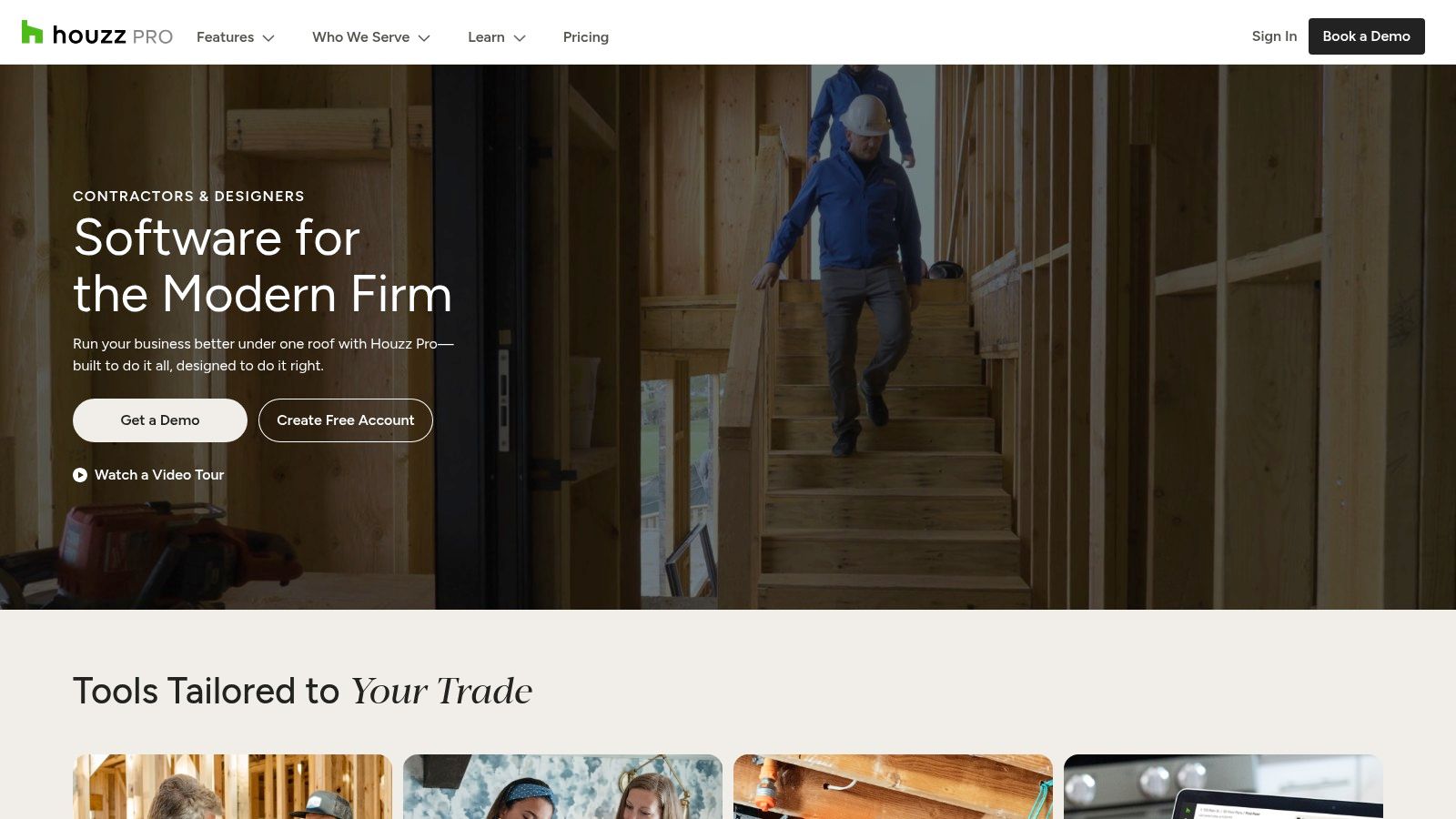
It earns its spot as one of the best construction project management software options by deeply understanding the needs of its niche. The platform isn't just about managing tasks; it’s about managing the entire client lifecycle from lead generation to final payment. This unique blend of project and business management makes it a powerful asset for residential pros aiming to scale their operations and build a strong brand presence.
Key Details & User Experience
- Pricing: Houzz Pro offers several subscription tiers, with prices often starting around $65-$99 per month for starter plans. You'll need to check their site for current pricing.
- Best For: Residential remodelers, custom home builders, and interior design-and-build firms.
- Pros: The user-friendly interface is built for its specific audience, making adoption easy. Its marketing and lead generation tools are baked right in, a unique feature among project management platforms.
- Cons: It's highly specialized for residential work and lacks the robust features needed for larger commercial or federal projects. The pricing can be a bit steep for smaller, one-person shops.
9. JobNimbus
JobNimbus brings a refreshing simplicity to the construction software space, focusing on contractors and home service professionals who need to move fast. Think of it as a central hub where every lead, job, and payment is tracked, transforming chaotic workflows into streamlined, repeatable processes. For specialty contractors, like the trusted local teams Southeastern GC often collaborates with in Fayetteville, a tool like this is perfect for keeping project details organized without overwhelming complexity.
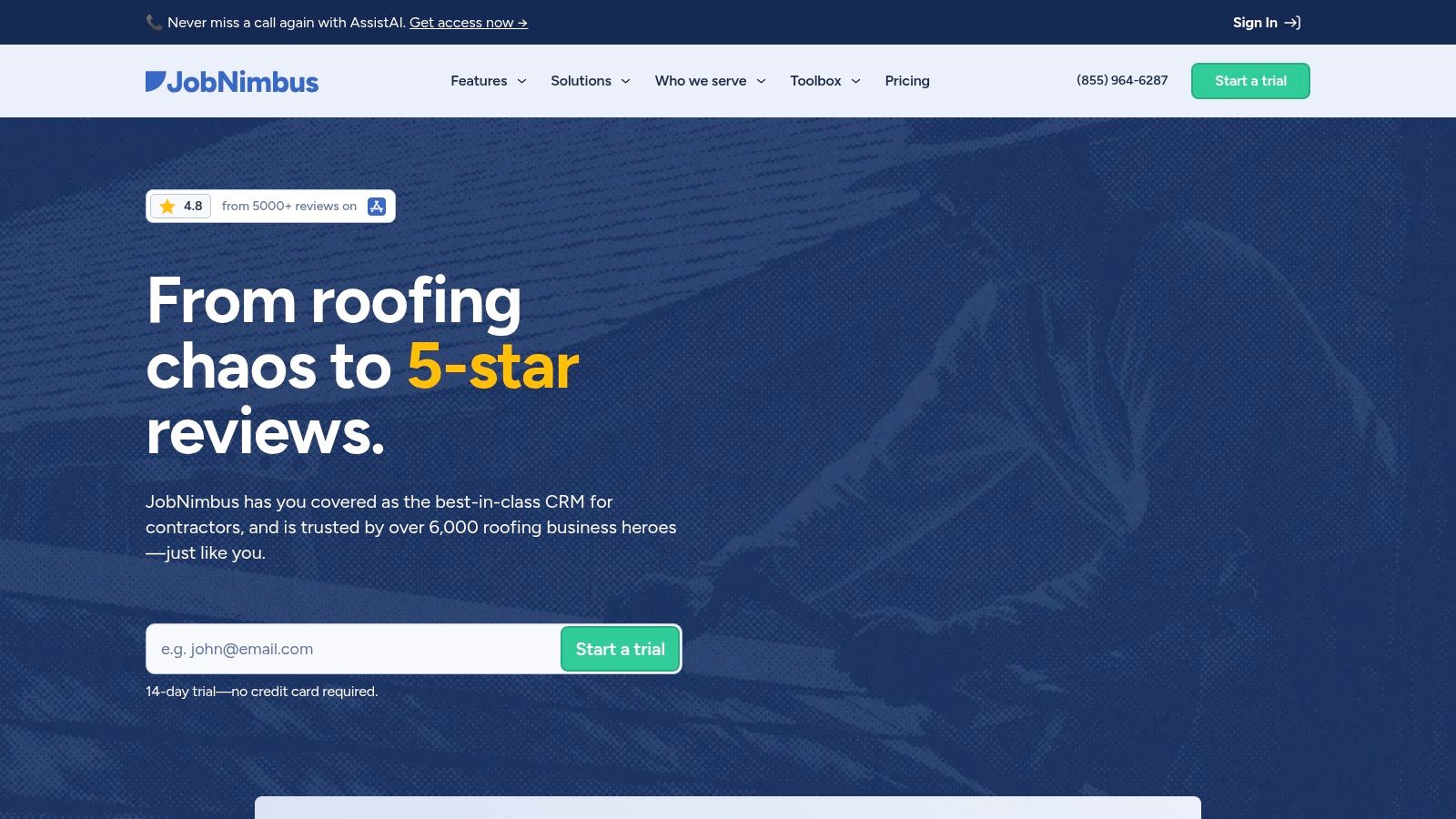
It has earned its place as one of the best construction project management software options by combining CRM and project management in one accessible package. Its strength lies not in managing massive, multi-year federal projects, but in empowering smaller, agile teams to deliver exceptional service on residential or light commercial jobs. This focus on clear communication and workflow automation is a principle we value deeply, whether we're building a custom home or a community landmark. You can find more about JobNimbus on their official website.
Key Details & User Experience
- Pricing: Offers tiered pricing, including a free plan for up to two users, with paid plans scaling based on features and user count.
- Best For: Roofing contractors, remodelers, and other home service companies managing a high volume of smaller-scale projects.
- Pros: The interface is clean and incredibly user-friendly, making team adoption quick and painless. Its affordability is a major plus for growing businesses.
- Cons: Lacks the deep financial and resource planning tools required for large general contractors managing complex, multi-phase builds.
10. CoConstruct
For custom home builders and remodelers, CoConstruct is less of a tool and more of a business partner. It’s specifically designed for the unique dance of residential projects, where client communication is just as critical as the construction schedule. Imagine giving your clients a dedicated portal where they can approve selections, track progress, and communicate directly, eliminating endless email chains and misunderstandings. For builders like Southeastern GC, who know that creating a dream home is a deeply personal journey for the client, this level of transparency and collaboration is non-negotiable.
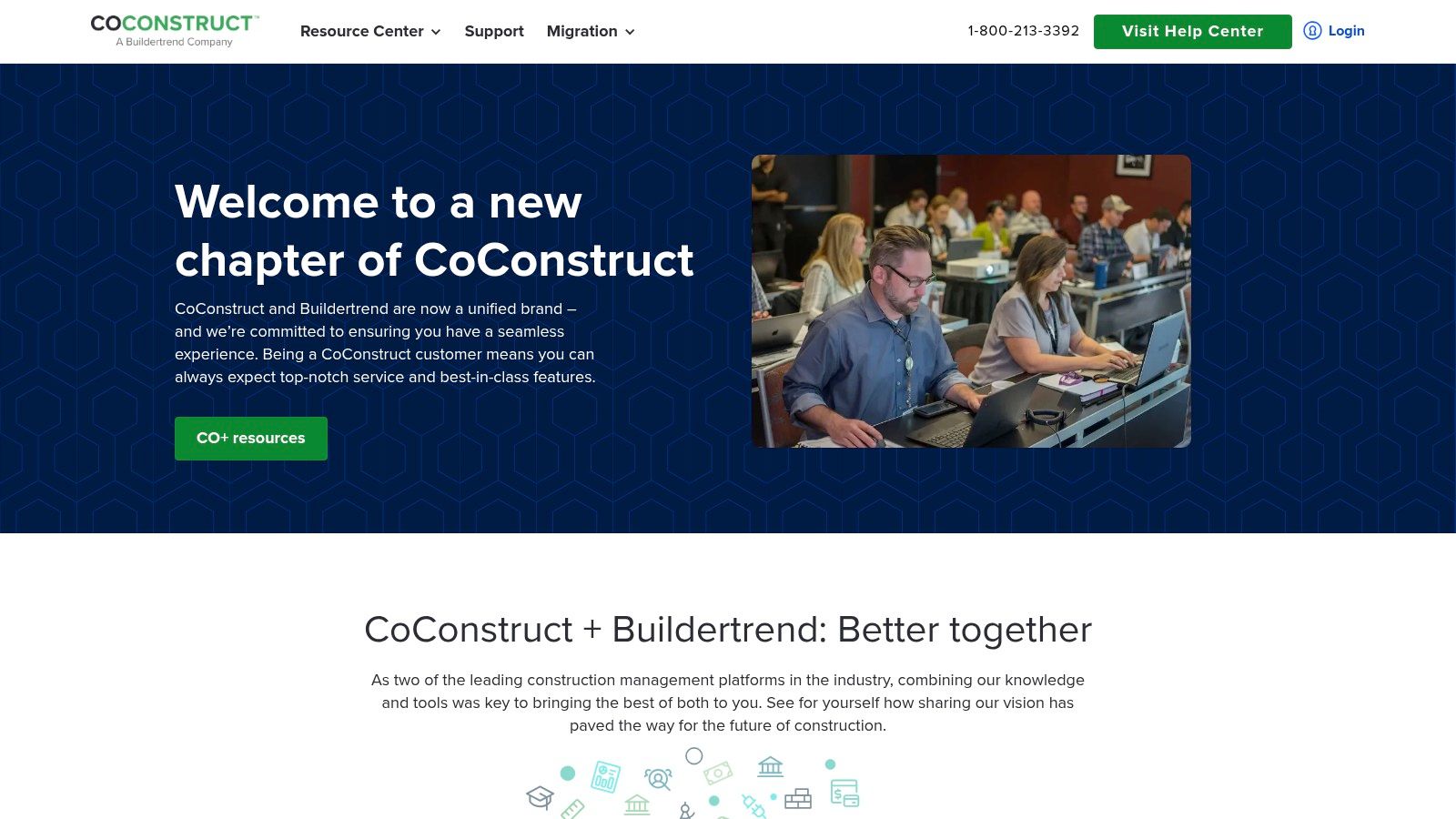
What makes CoConstruct one of the best construction project management software choices is its laser focus on the residential market's pain points. It seamlessly integrates project, client, and financial management into a single, cohesive platform. This specialized approach ensures that every feature, from estimating to client approvals, is built with the home builder in mind, a philosophy that resonates with our own commitment to tailored, client-centric solutions.
Key Details & User Experience
- Pricing: CoConstruct offers several tiered pricing plans, starting around $399/month. They don't typically require long-term contracts, offering a month-to-month option.
- Best For: Custom home builders, remodelers, and design-build firms focused on the residential sector.
- Pros: Its all-in-one feature set is perfectly tailored for residential work, including excellent client-facing tools. The customer support and onboarding are frequently praised by users.
- Cons: The pricing can be a significant investment for smaller or newer builders. Its specialization means it’s not a great fit for commercial or large-scale civil projects.
11. PlanGrid
PlanGrid, now a key part of the Autodesk Construction Cloud, is the digital clipboard every field team dreams of. It hyper-focuses on putting accurate, up-to-date plans and documents directly into the hands of the people on site. Imagine your superintendent pulling up the latest blueprint version on a tablet, marking up an issue, and assigning a task to a subcontractor in seconds, all from the fifth floor of a new build. This direct line from field to office drastically cuts down on rework and confusion.
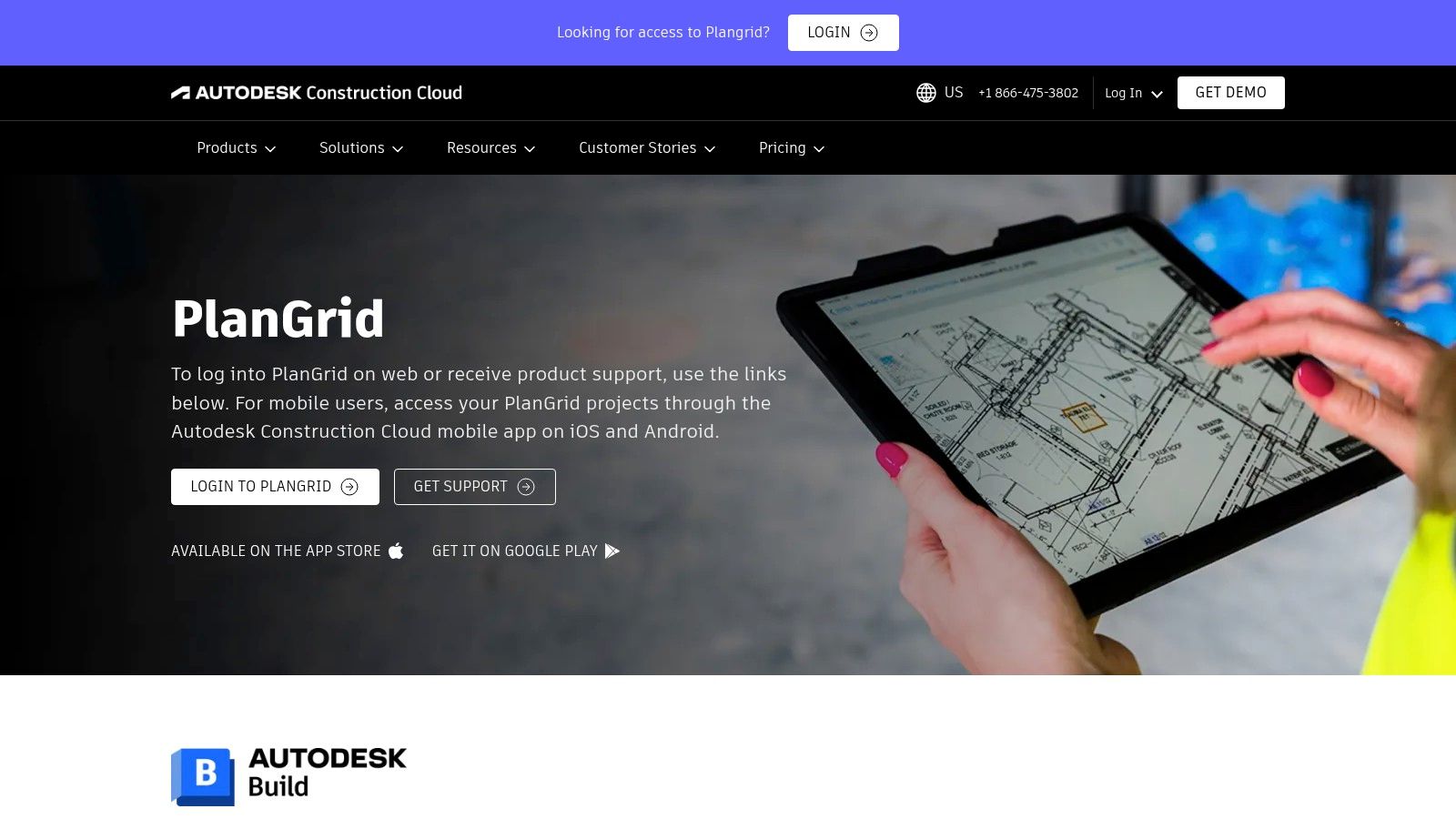
Its strength lies in simplicity and field-first design, making it one of the best construction project management software choices for teams that prioritize on-site execution and document control. By ensuring everyone works from the same set of plans, PlanGrid embodies the principle of clarity and precision that Southeastern GC brings to every project, whether it’s a complex federal facility or a custom home. The offline mode is a true lifesaver for job sites in remote areas or basements with spotty connectivity.
Key Details & User Experience
- Pricing: Pricing is not publicly listed. You’ll need to contact the Autodesk sales team for a quote, as it's often bundled within the broader Construction Cloud suite.
- Best For: Field teams, subcontractors, and project managers who need elite mobile document and issue management.
- Pros: The mobile-first interface is incredibly intuitive and easy for field personnel to adopt. Its blueprint and document version control is best-in-class.
- Cons: It lacks some of the comprehensive financial and high-level project management tools found in all-in-one platforms, focusing more on field execution.
12. Aconex
When your project involves a massive web of stakeholders, from architects and engineers to multiple subcontractors and government agencies, Aconex acts as the ultimate neutral, third-party platform. Now part of the Oracle suite, it's designed from the ground up to be a common data environment where every piece of project information lives. This isn't just about sharing files; it's about creating a single, indisputable audit trail for every document, communication, and decision, a principle we at Southeastern GC live by, especially on complex federal projects.
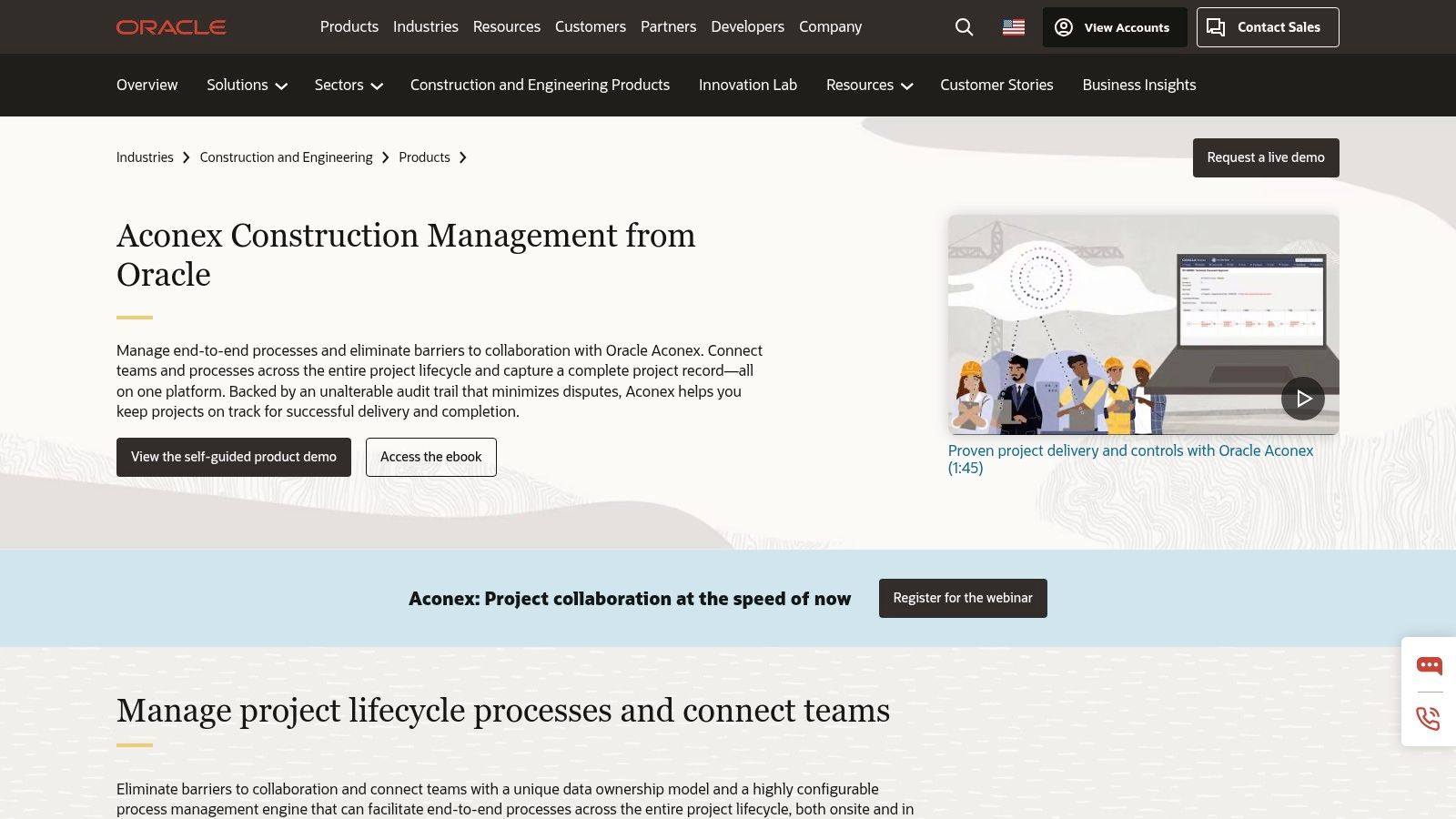
Its strength lies in its process and workflow automation, making it one of the best construction project management software options for enterprise-level builders. Aconex ensures that RFIs, submittals, and approvals follow a strict, pre-defined path, which is critical for maintaining compliance and mitigating risk on large-scale jobs. For firms like ours, which hold critical certifications like 8(a) and HUBZone, this level of control and documentation is not just beneficial, it's essential for project integrity and success.
Key Details & User Experience
- Pricing: Aconex does not provide public pricing. You must contact Oracle's sales team for a custom quote based on your project's scale and specific needs.
- Best For: Large-scale enterprises, joint ventures, and public-private partnerships managing highly complex, multi-billion dollar projects.
- Pros: Unmatched document control and audit trail capabilities. Powerful workflow automation that enforces project protocols. Strong integration within the Oracle ecosystem.
- Cons: The platform has a notoriously steep learning curve due to its extensive feature set. Its complexity and cost model make it unsuitable for small to mid-sized contractors.
Top 12 Construction Project Management Software Comparison
| Software | Core Features✨ | User Experience ★★★★☆ | Value Proposition 💰 | Target Audience 👥 | Unique Selling Points 🏆 |
|---|---|---|---|---|---|
| Procore Technologies | All-in-one project, financial, quality & safety mgmt | Intuitive, robust support | Scalable, but costly 💰💰 | Owners, GCs, subs | 250+ integrations, mobile access ✨ |
| Buildertrend | Lead, scheduling, budgeting, client portals | Tailored for residential, strong support | Comprehensive but pricey 💰 | Home builders, remodelers | Focus on residential projects ✨ |
| Autodesk Construction Cloud | Document mgmt, scheduling, cost mgmt, design tool integration | Comprehensive, steep learning curve | Enterprise-level, pricing via quote 💰💰 | Large-scale projects, enterprises | Autodesk design integration 🏆 |
| Fieldwire | Task mgmt, plan viewing, issue tracking, offline mode | User-friendly for field, affordable/free plan | Cost-effective for small teams 💰 | Field teams, small contractors | Offline mode, mobile-optimized ✨ |
| Contractor Foreman | Scheduling, financials, logs, safety, CRM | User-friendly, affordable | Affordable, wide feature set 💰 | Small to mid-sized contractors | Value-focused, mobile app 🏆 |
| Sage 300 CRE | Accounting, project mgmt, real estate | Highly customizable, complex | Enterprise-grade, high cost 💰💰 | Large enterprises | Real estate management, deep customization 🏆 |
| RedTeam Go | Scheduling, financials, doc mgmt, daily logs | Easy to learn, cost-effective | Transparent pricing, small/mid firms 💰 | Small to mid-sized GCs | Affordable, mobile app ✨ |
| Houzz Pro | Project mgmt, CRM, financials, marketing | User-friendly, residential-focused | Higher price, marketing tools included 💰 | Home builders, remodelers, designers | Integrated marketing & product sourcing ✨ |
| JobNimbus | Scheduling, CRM, financials, doc mgmt | User-friendly, affordable/free plan | Affordable for small teams 💰 | Home service companies | Offline mode, mobile app ✨ |
| CoConstruct | Scheduling, client portals, financials | Residential focus, strong support | Higher pricing 💰 | Home builders, remodelers | Seamless accounting integrations ✨ |
| PlanGrid | Blueprint sharing, issue tracking, offline mode | Mobile-first, easy field communication | Enterprise pricing, quote needed 💰💰 | Field teams, construction projects | Autodesk integration, offline capabilities 🏆 |
| Aconex | Doc mgmt, workflow automation, team collaboration | Comprehensive, steep learning curve | Enterprise pricing via quote 💰💰 | Large projects, enterprises | Oracle integration, workflow automation 🏆 |
Beyond the Blueprint: Building Legacies with the Right Partner
We've just navigated a digital job site, exploring a dozen of the best construction project management software platforms available. From the enterprise-level power of Procore and Autodesk Construction Cloud to the residential-focused finesse of Buildertrend and Houzz Pro, the options are as vast as a freshly cleared lot. Each tool offers a unique blueprint for efficiency, promising to streamline communication, manage budgets, and keep your project on its critical path.
The core lesson? There is no single "best" platform, only the one that is best for you. A small custom home builder has vastly different needs than a firm managing large-scale government contracts. The key is to look beyond flashy dashboards and align a tool’s core strengths with your specific operational weaknesses and project goals.
From Software Selection to Project Success
Choosing your software is just the first step on a long, rewarding journey. Implementation is where the real work begins. Before you sign any annual contract, consider these critical factors:
- Team Buy-In: The most powerful software is useless if your team, from the project manager to the subcontractor in the field, won't use it. Involve them in the selection process and prioritize platforms with intuitive, mobile-friendly interfaces.
- Scalability: Will this software grow with you? Consider your five-year plan. A tool that’s perfect for your current workload might become a digital ball and chain if you plan to expand into new markets or take on more complex projects.
- Support and Training: When a critical RFI is stuck or a change order won't process at 7 a.m., you need immediate, effective support. Investigate each company's customer service reputation and the quality of their training resources. A strong support system is as vital as a strong foundation.
- Integration is Everything: Your business doesn't operate in a silo, and neither should your software. Ensure your chosen platform integrates seamlessly with your existing accounting, estimating, and design software to create a single source of truth.
Ultimately, the best construction project management software is more than a digital tool; it’s a strategic partner. It should enhance, not replace, the human element of construction: the trust, the collaboration, and the shared commitment to quality. Here at SEGC, we’ve spent over 21 years mastering this balance. We leverage sophisticated tools to provide our clients with unparalleled transparency and efficiency, but we know technology is only as good as the team behind it.
Our legacy, built project by project in communities like Fayetteville and Lumberton, is founded on trust and proven results. We understand the unique demands of federal projects, the personal touch required for a forever home, and the complex coordination needed for commercial developments. For us, software is the scaffolding that supports the real structure: a lasting relationship with our clients and a finished product that stands the test of time.
Choosing the right technology is critical, but partnering with the right builder is everything. South Eastern General Contractors combines cutting-edge project management with over two decades of hands-on expertise and a deep commitment to our clients' success. If you’re ready to build a legacy, not just a structure, contact South Eastern General Contractors to start the conversation today.